
Homecuity defines your property's intelligence. For homeowners and real estate professionals, gather public records, sales history and details about every major appliance inside.
Get Started
Get a full picture of any U.S. property — public records, ownership history, taxes, liens/mortgages, appliances and systems, maintenance, photos/documents, and recall alerts — all in one clean report.

Look up any major home system or appliance by serial number. Get brand details, estimated lifespan, recall alerts, and maintenance information instantly.

Generate shareable links or download PDF reports to share with buyers, agents, inspectors, or anyone who needs property details. Controlled access levels and set expiration dates.

Maintain a property photo gallery to highlight features and convey value. Categorize them — exterior, interior, floor plans, and documents — keeping them organized.

Work with Professionals or Homeowners before you buy, to gather critical data for your report. Give them access to your property profile and share intelligence.

One property profile, two ways to use it. Homeowners track and maintain what they own; professionals manage properties across clients and hand over a complete record at closing.
Homecuity works on any device. Install it on your iPhone or Android for a native app experience, or use it right from your browser.
Search any property address in the United States. We pull comprehensive public records through our verified data sources.
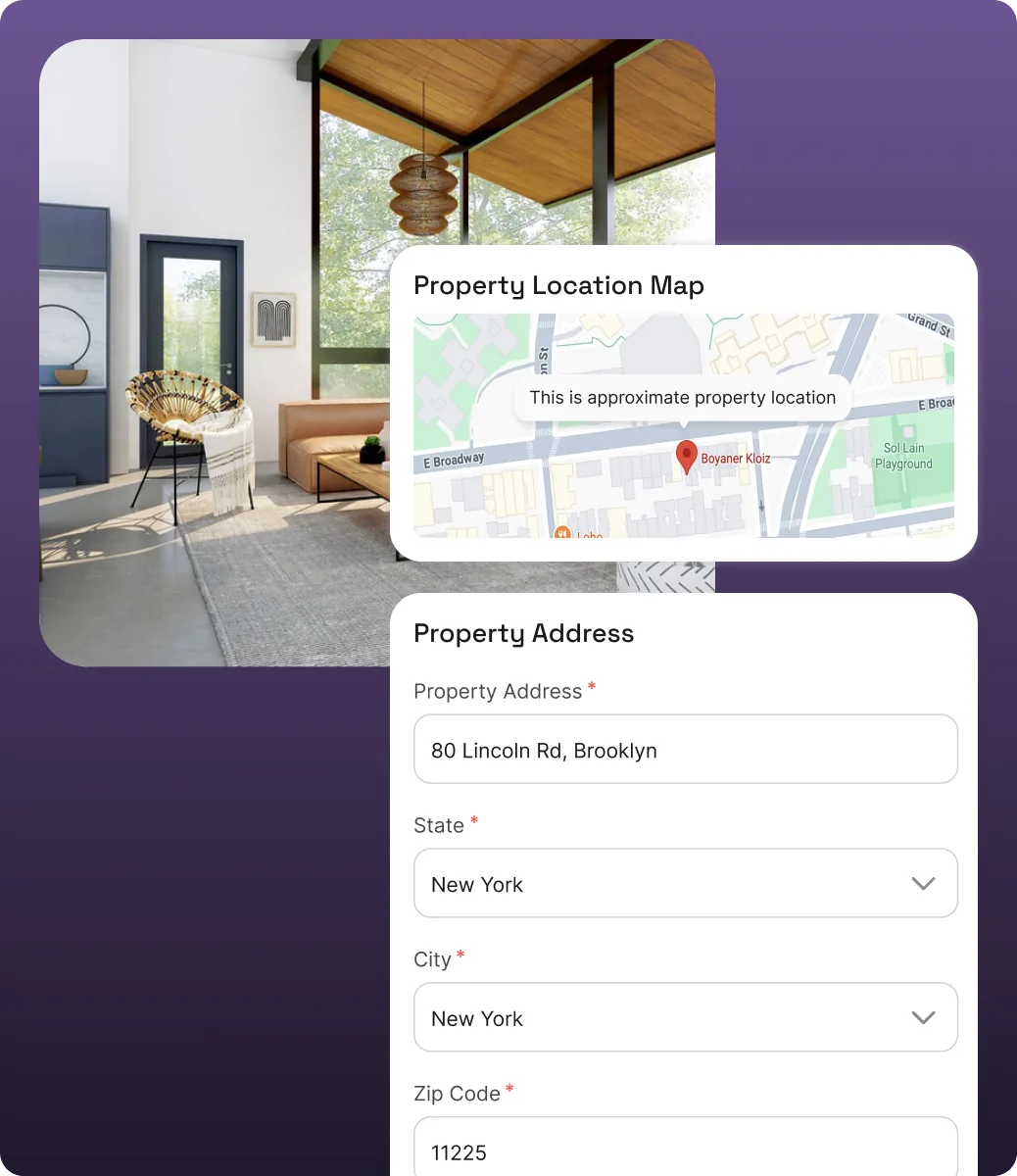
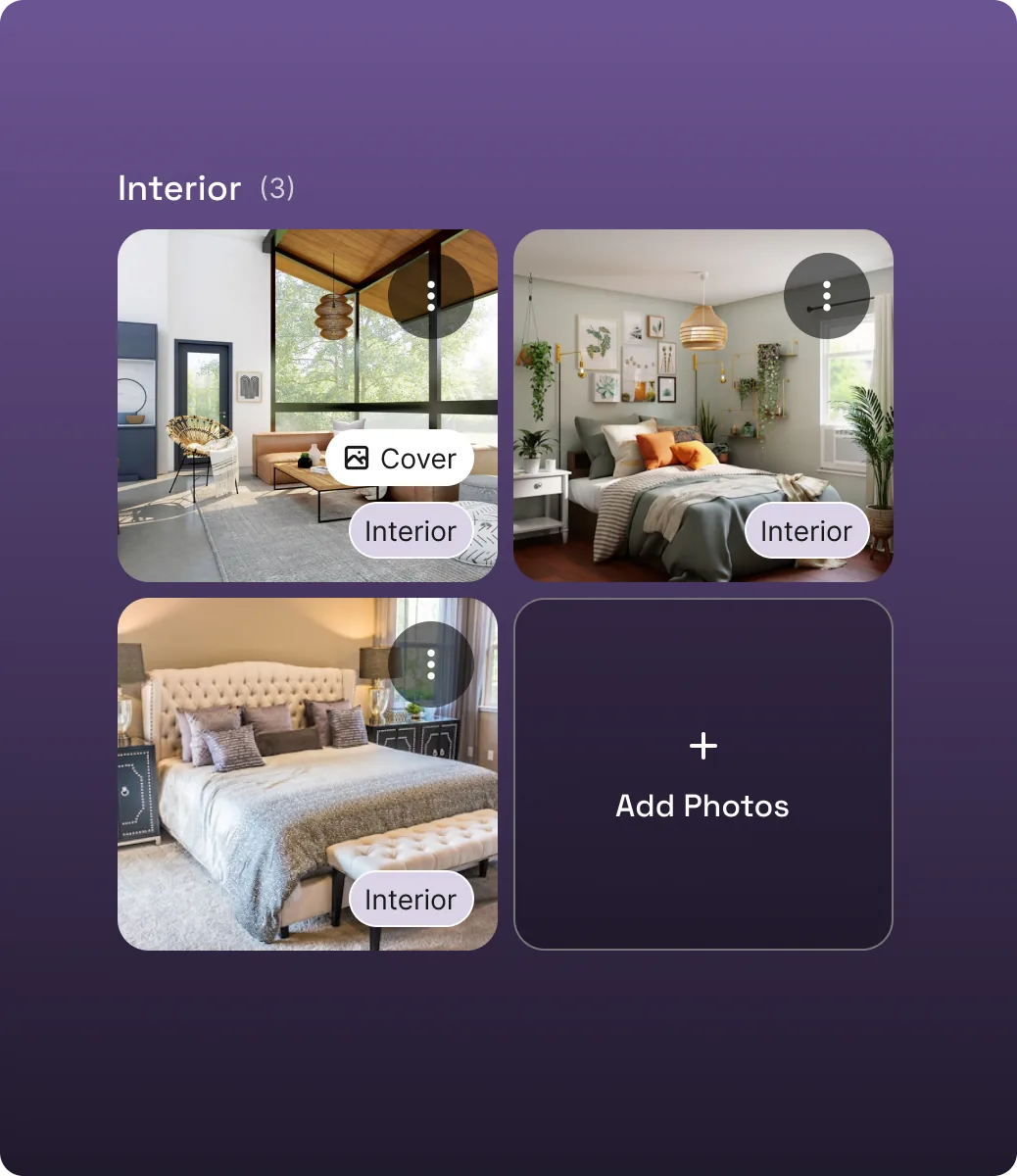
Gather information yourself or give access to others to provide property photos, collect or fill in appliance data, and refine any missing public information.
Review your property summary and purchase your Homecuity Report. Secure checkout powered by Stripe — Apple Pay and Google Pay accepted.
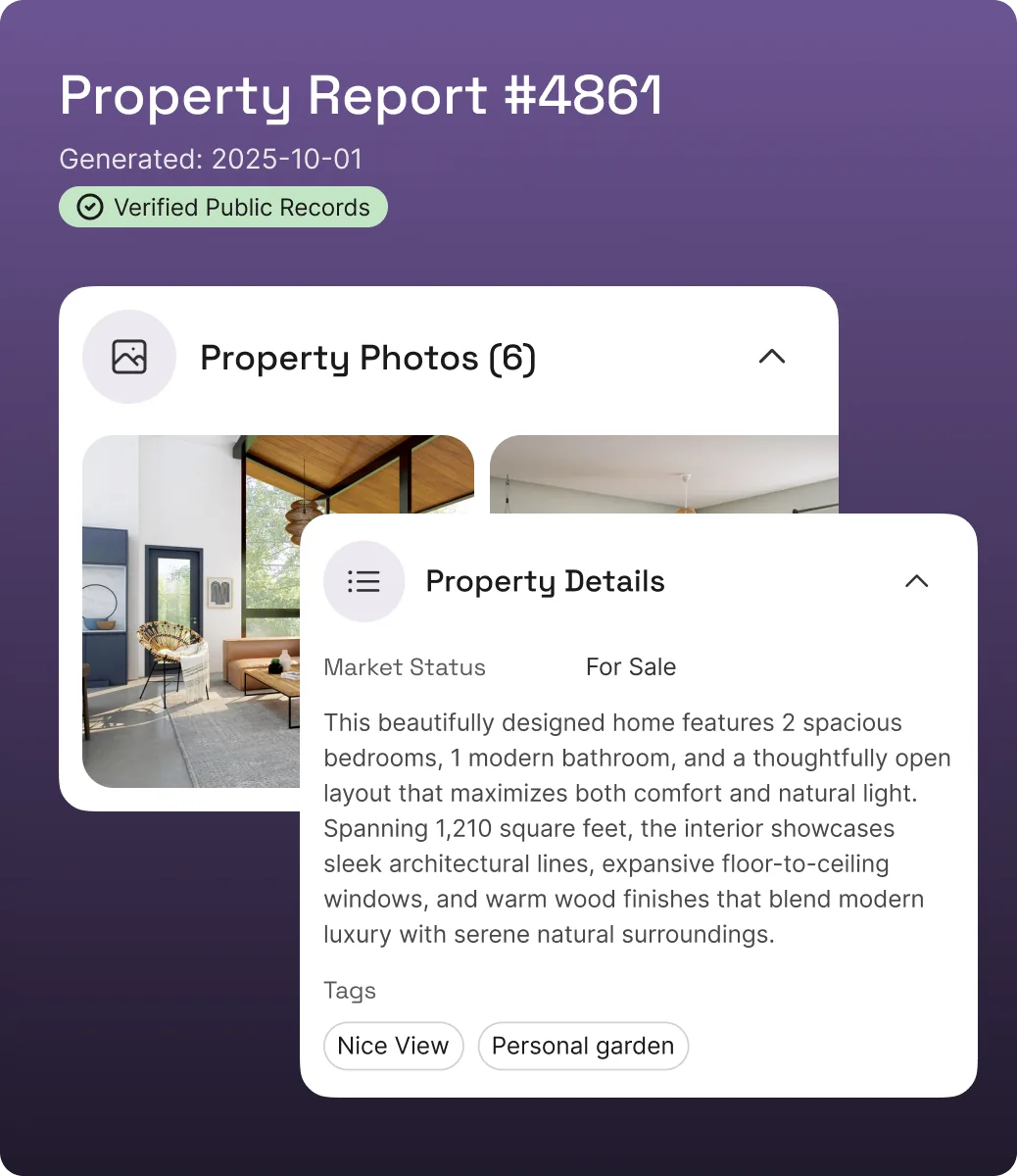
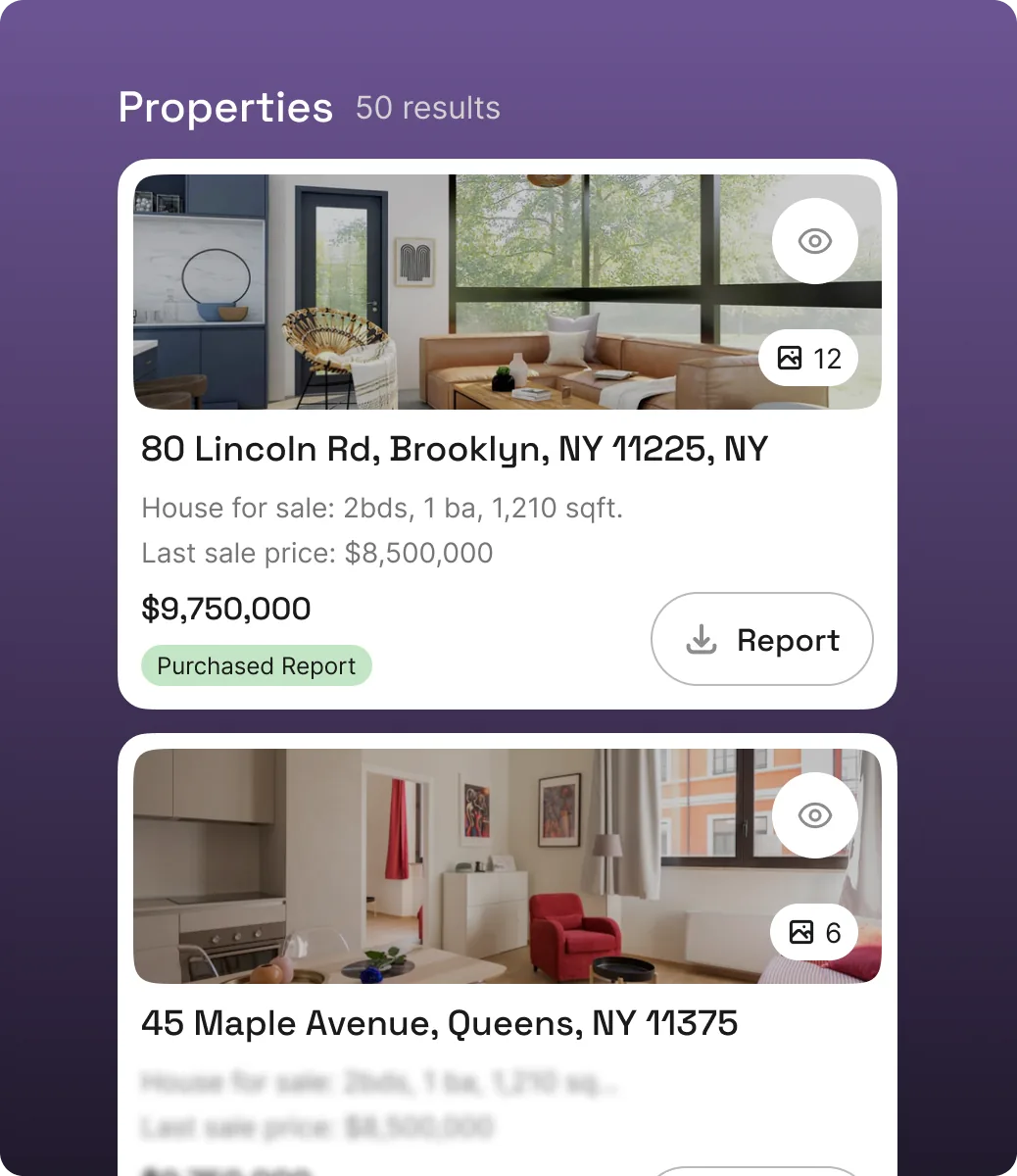
Access your full report from your dashboard. Share it with a link, download the PDF, or keep building your property profile over time.
Get Started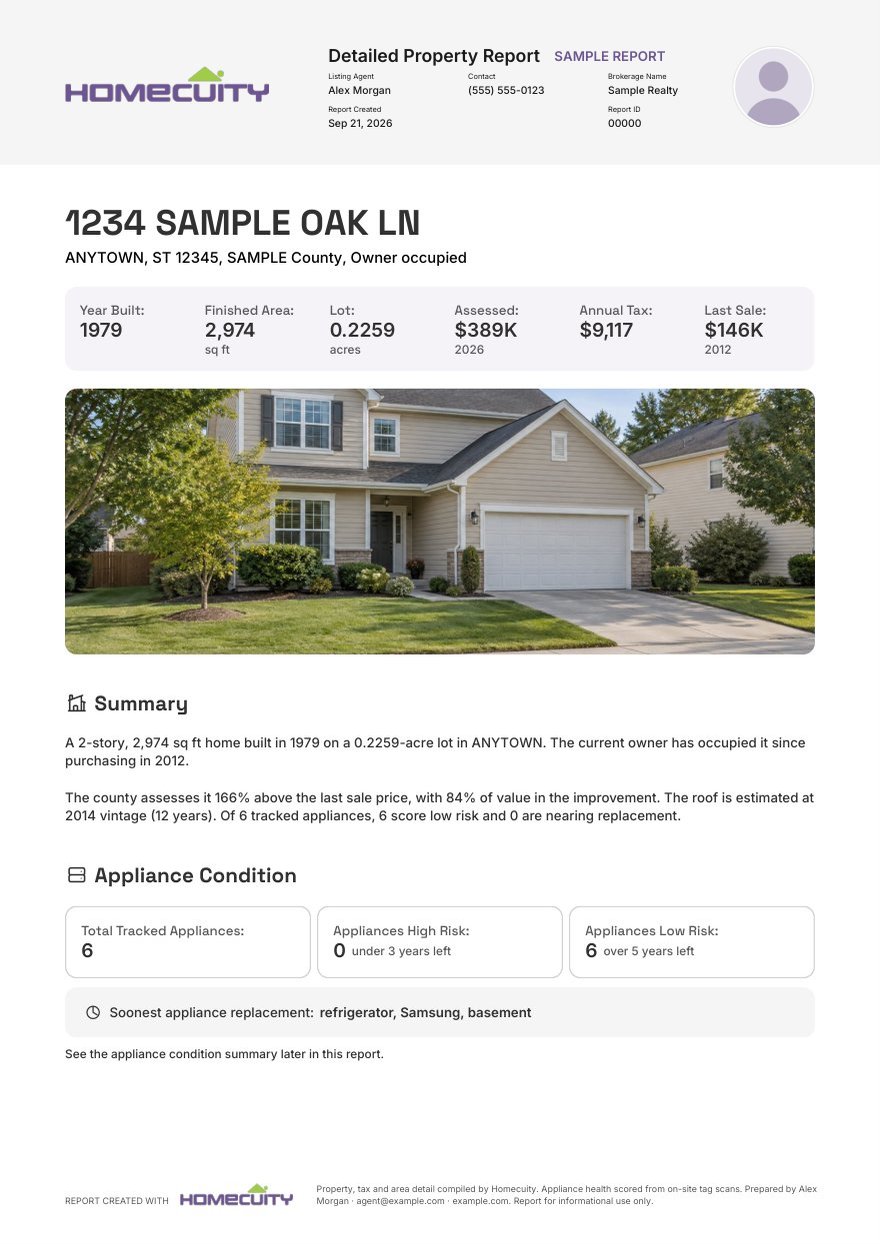
This is a real Homecuity property report, all 14 pages of it, for a sample property. It includes the following:
Sample report for a fictional property. Names, parcel identifiers and serial numbers have been removed; the layout and detail are exactly what a real report contains.
Explore, sell, promote your home — Homecuity is ready to help
and give you the insights to move forward with confidence.
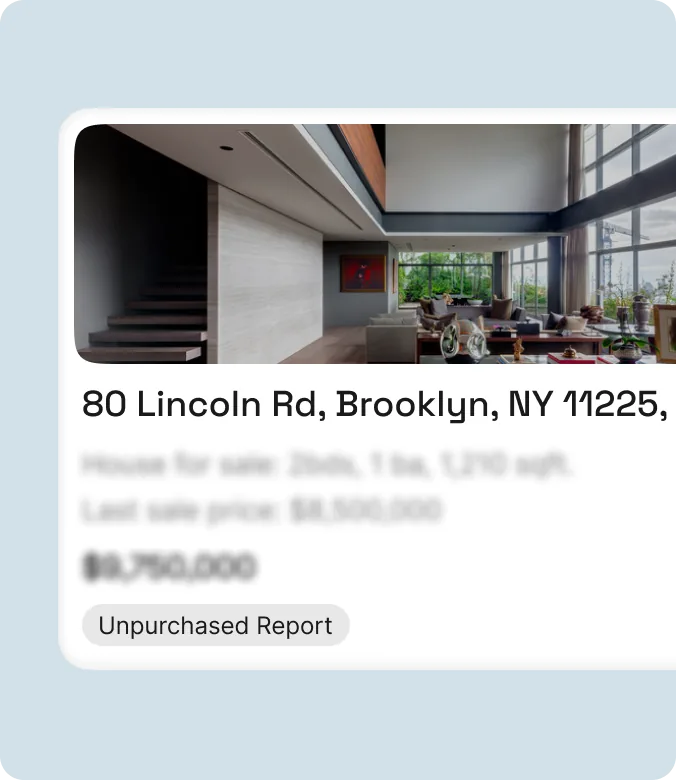
Create comprehensive property profiles and reports
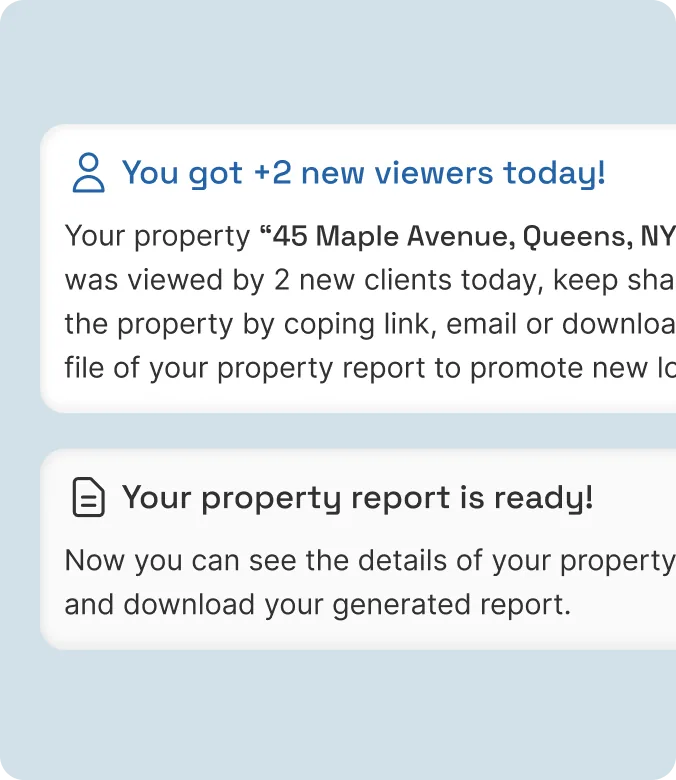
Monitor and stay updated on your property viewers
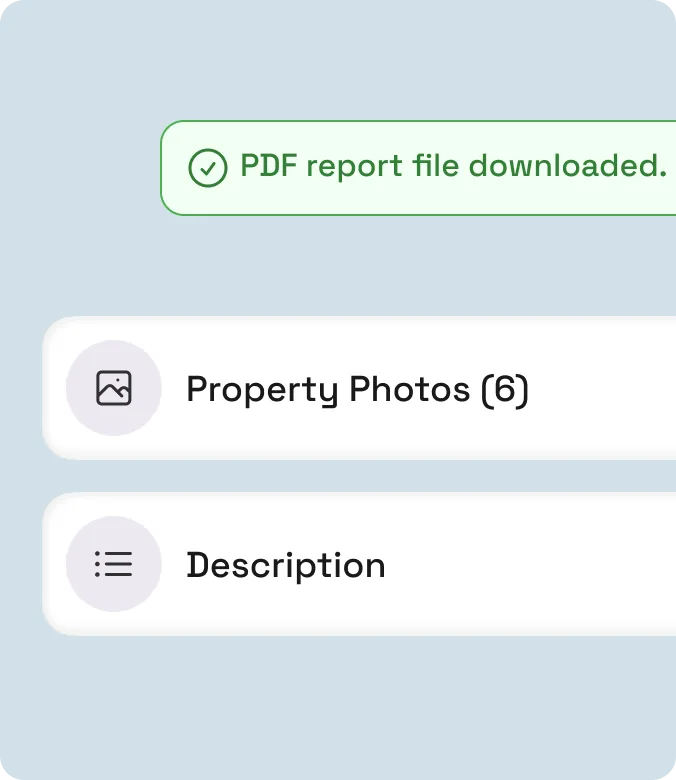
Share limited or full reports with clients and prospects
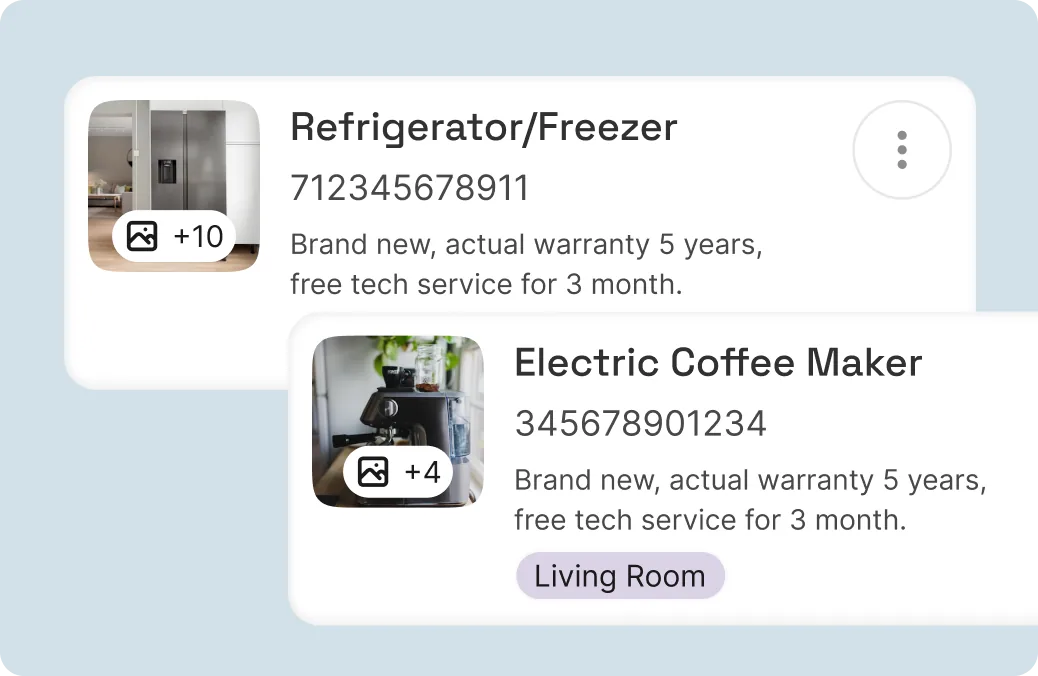
Add multiple appliances to your property and get detailed information about it
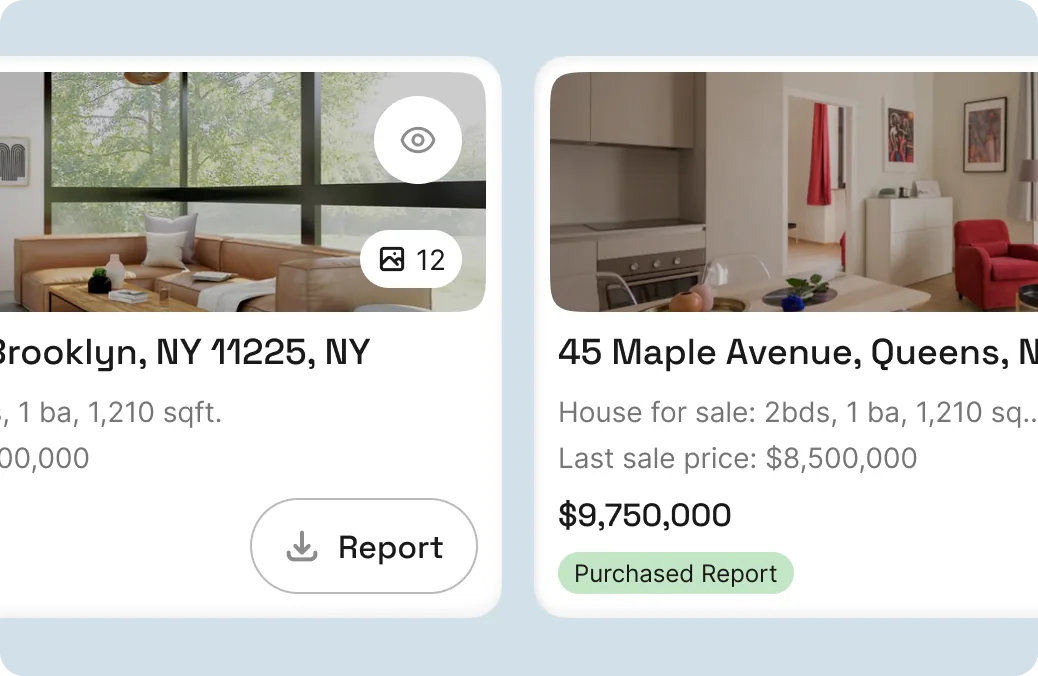
Manage multiple properties from a single dashboard

Have questions or want to learn more about Homecuity? Leave your email and we'll reach out to help you get started.
